2D Graphics and Image Editing Software Entry Point
Editors of 2D graphics provide users with tools for the creation and editing of images. Two main categories of 2D images exist: raster and vector representations. Both categories are covered in this entry point.
GIMP
This raster editor can be used for the production of drawings, posters, photo editing, etc. It contains various types of painting brushes, image-editing tools, filters, and color-adjustment options. The program offers a layered workflow for complex editing. Higher color bit depths than the standard 8-bit are also supported. Its UI is highly customizable.
Examples
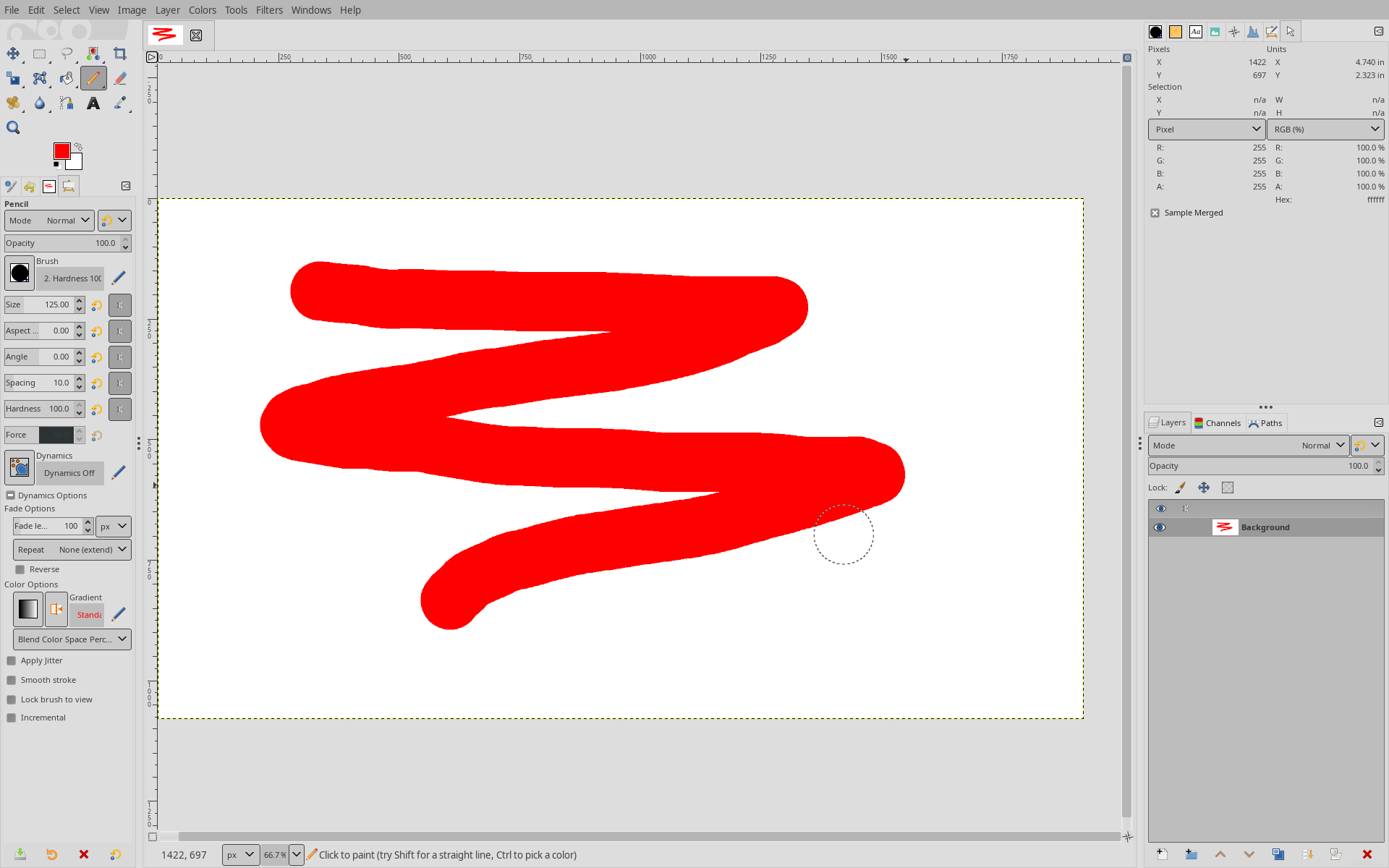
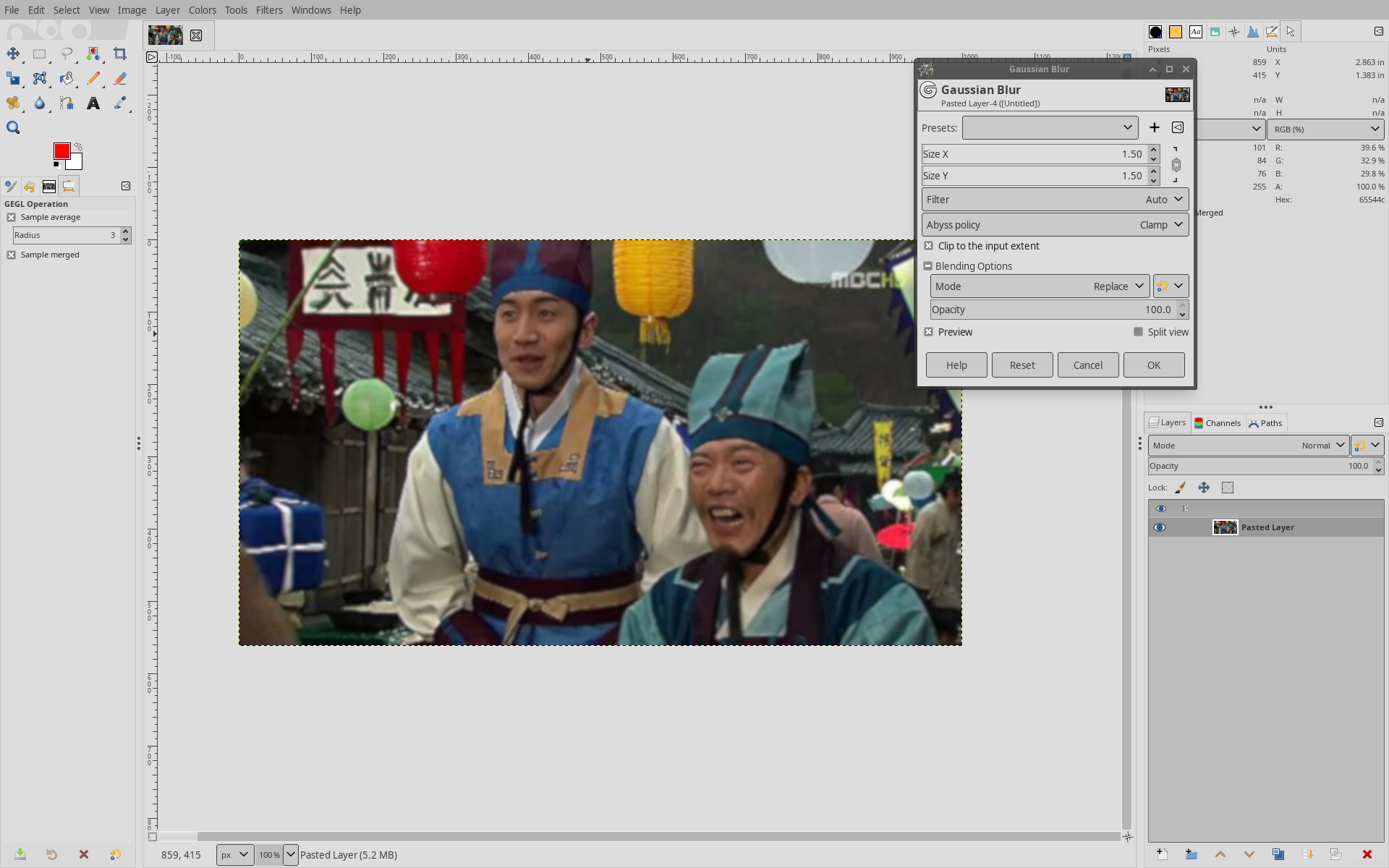
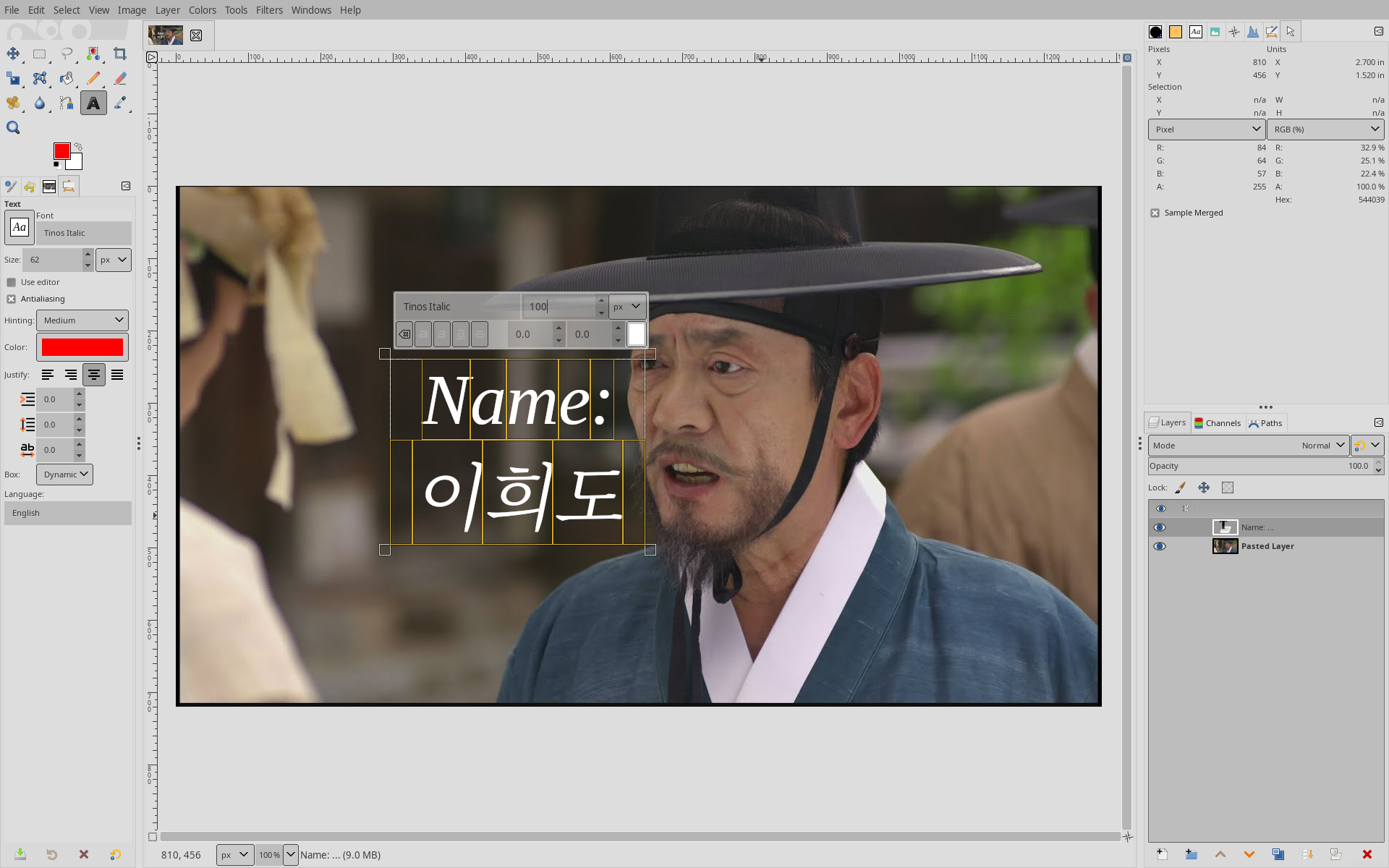
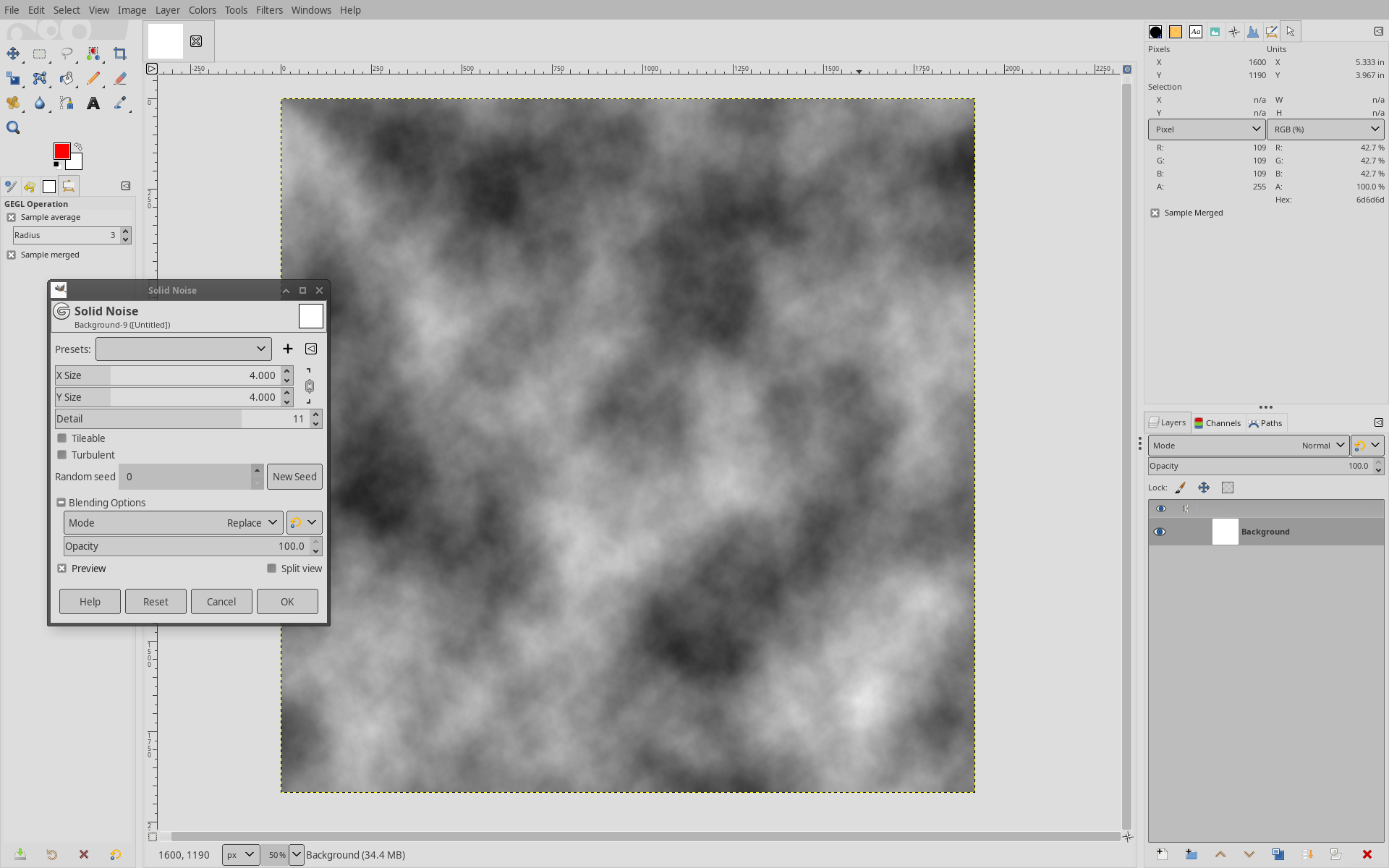
Comparison
Although GIMP offers a wide variety of features and can be extended with plugins, users often find its UI less intuitive than that of alternative software like Photoshop. Photoshop also contains more advanced features, but its price might be an important reason why many users prefer GIMP nevertheless. Online drawing tools like Canva, Photopea, or Pixlr are becoming popular but might not offer all the necessary functionality. A slow Internet connection can also be problematic when importing or exporting large image files.
Inkscape
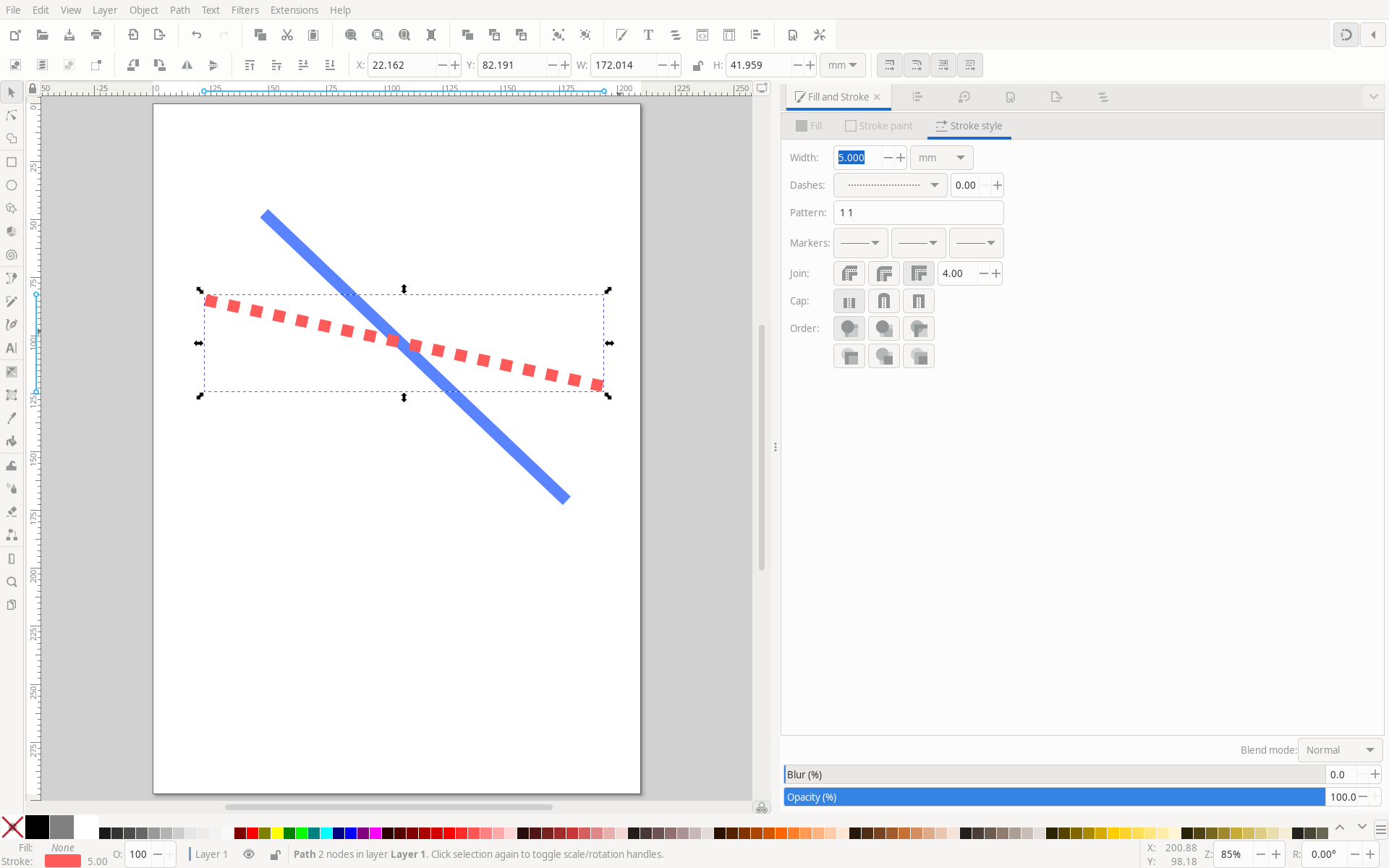
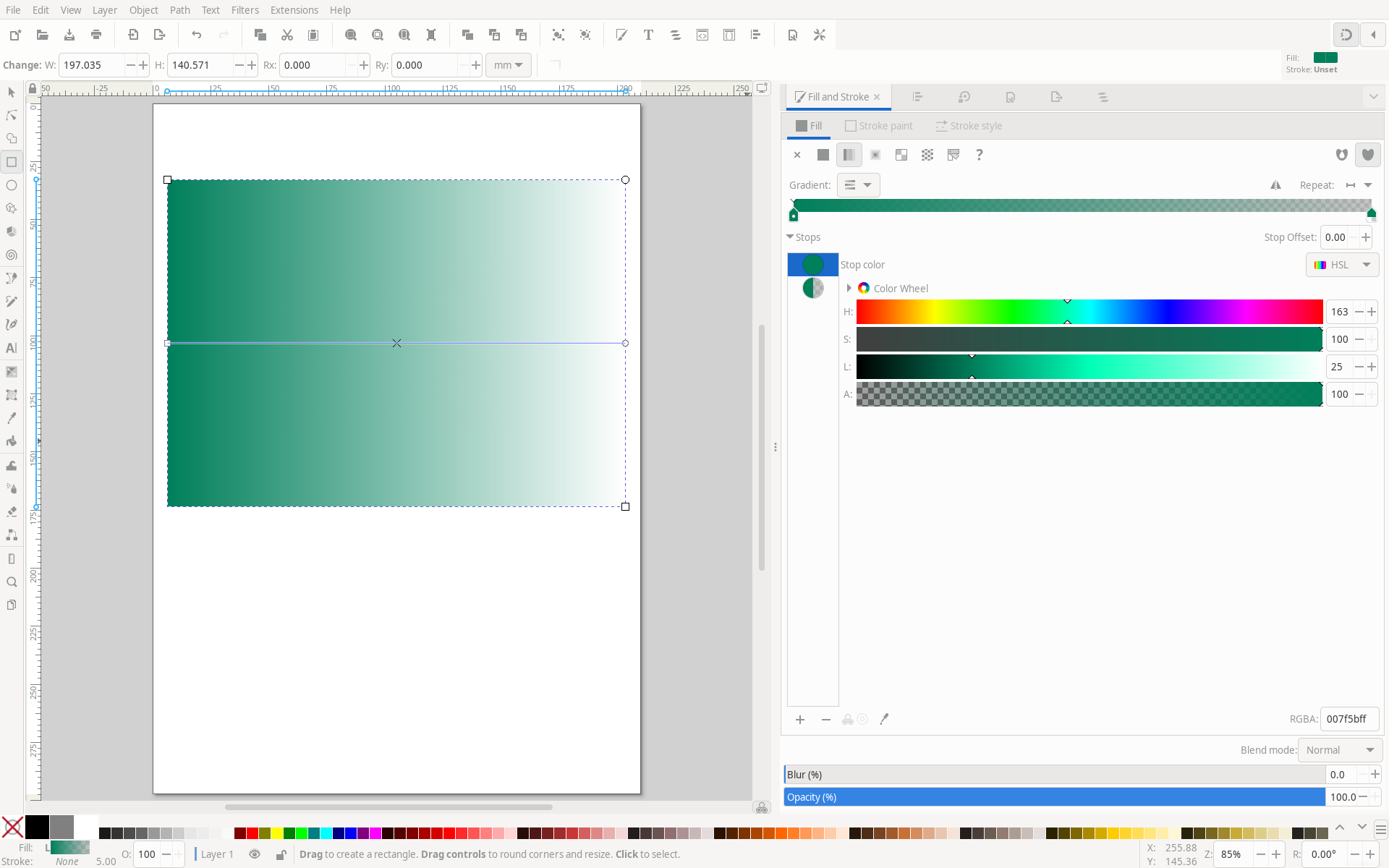
This 2D vector editor is widely used and maintains a high position among users interested in vector graphics. It allows editing of many vector formats, including the widely used SVG. Vector graphics, containing various texts, diagrams, or schemes, do not lose quality when zoomed in and are often smaller in size. This tool can be easily extended by plugins and can be used to create various schemes, figures, and design elements for articles, presentations, and more.
Examples
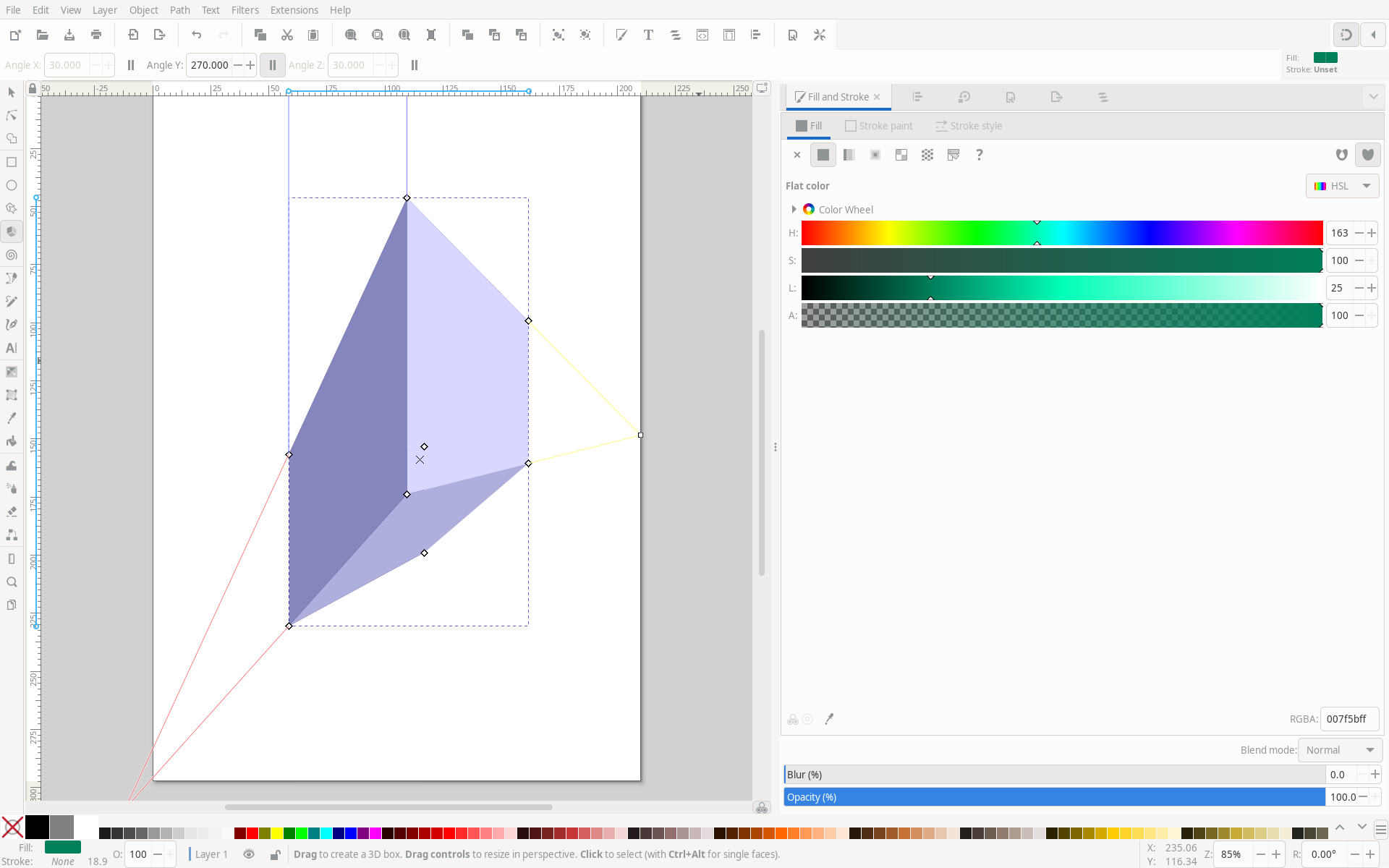
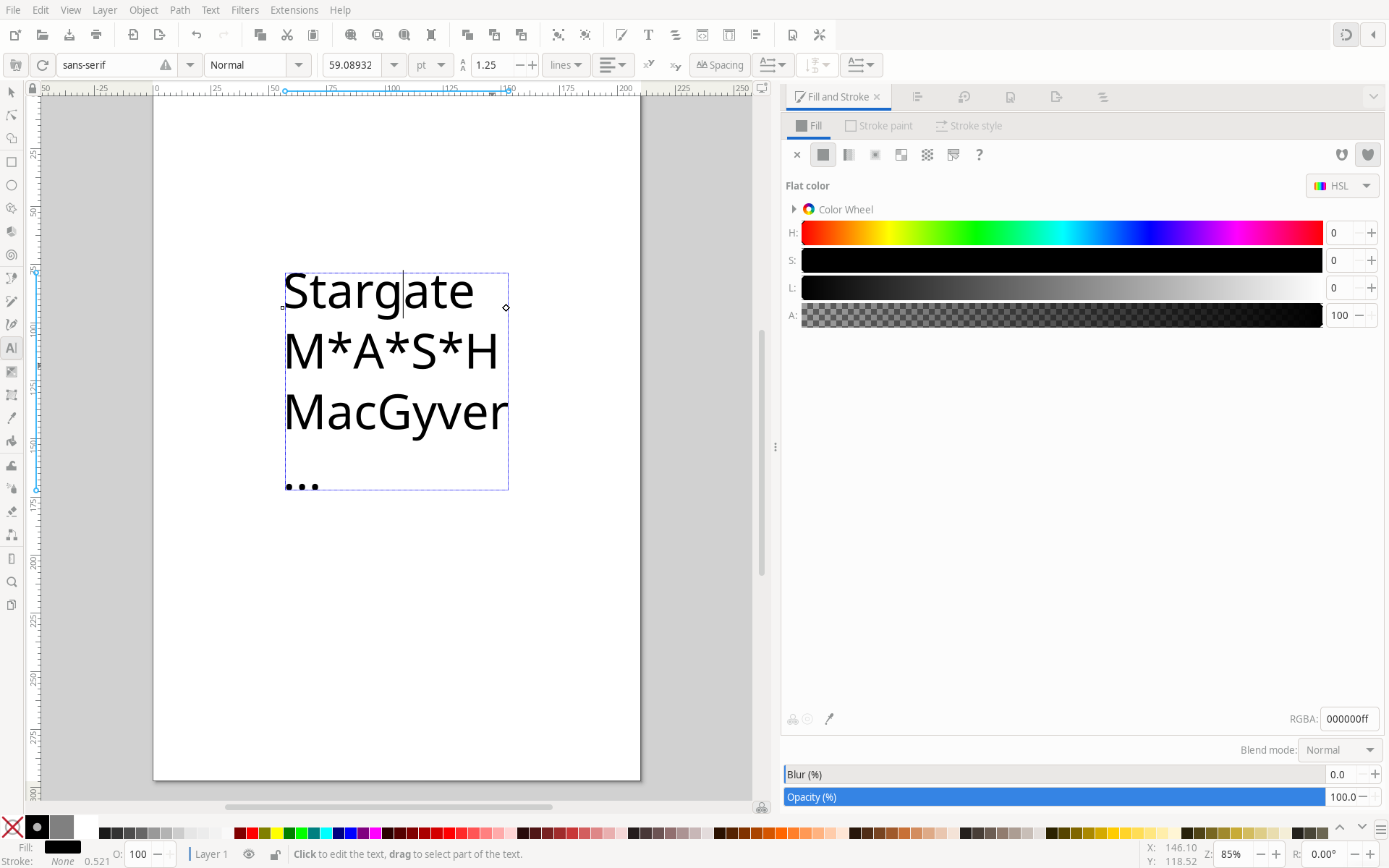
Comparison
Proprietary software like Adobe Illustrator or CorelDRAW is focused on artistic features, while Inkscape maintains a general vector editing workflow. Inkscape is often used in professional fields as alternatives do not offer significantly more features. Recently, online editors such as Figma have become popular due to their simple workflow. However, these editors often lack advanced features.
MyPaint

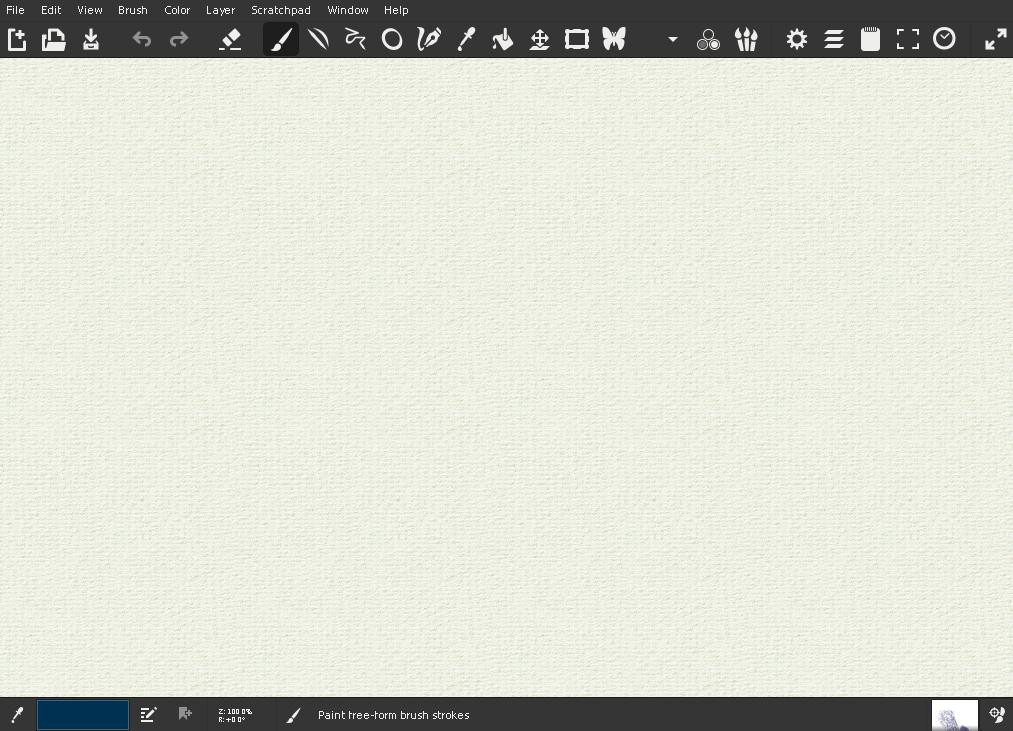
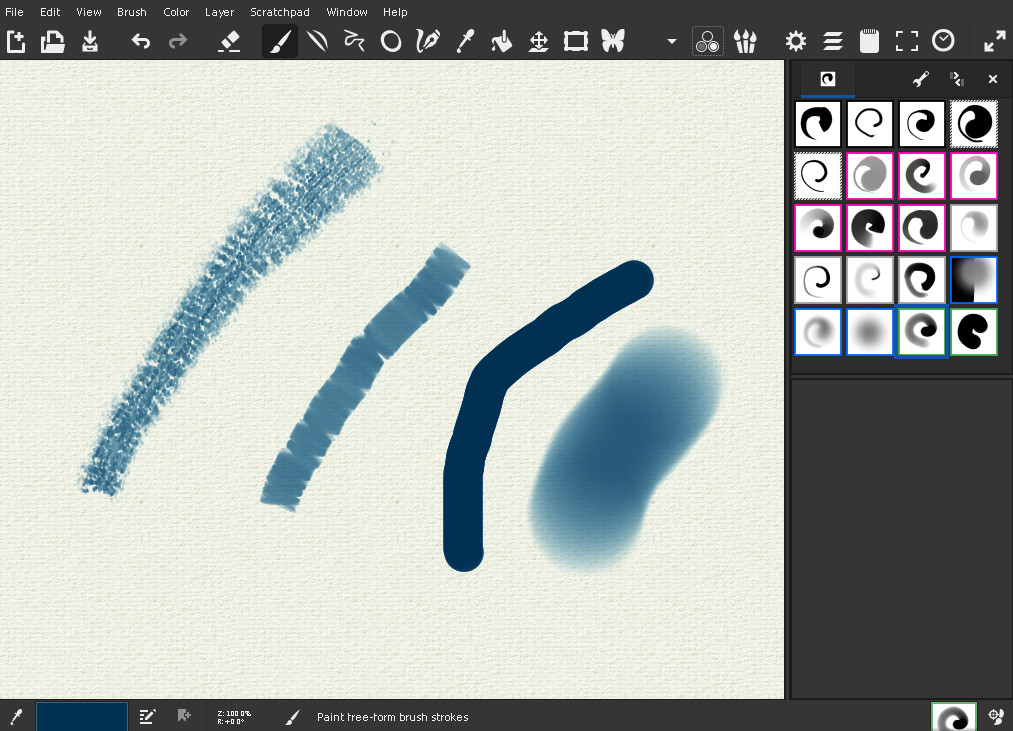
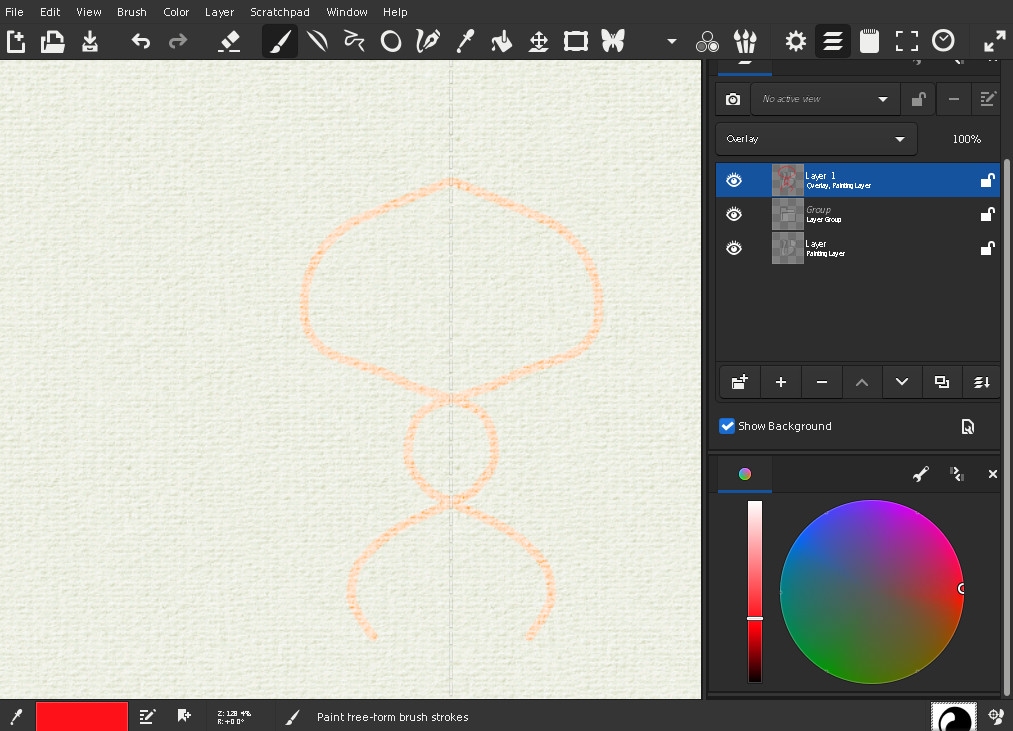
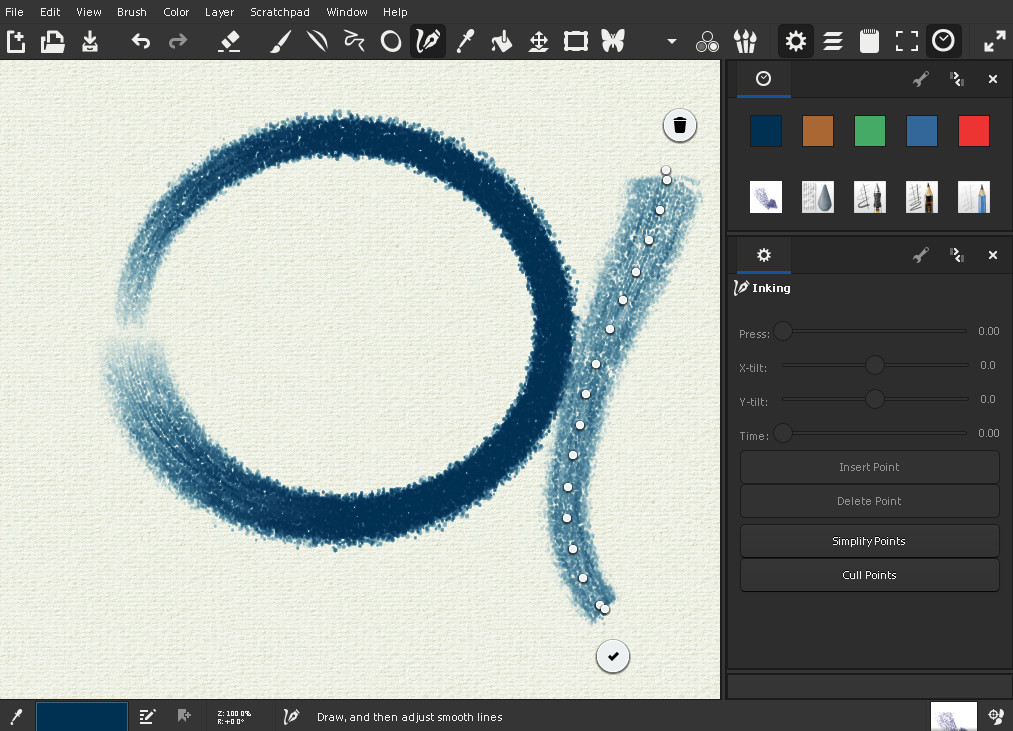
MyPaint is an ideal tool for fast sketches and drawings with its infinite canvas and simple user interface. Basic raster drawing tools, including layers, customizable brushes of different styles, and graphic tablet support, are available. The project also offers many of its features as standalone libraries; for example, brushes can also be used in Krita or GIMP.
Examples
Comparison
Compared to alternative image editors, MyPaint is lightweight and focuses on simplicity and convenience for sketching and drawing. The infinite canvas is one of its main features and is the reason why many users select MyPaint for drawings where boundaries are not known, such as for lecturing, mockups, or artistic experiments. Advanced image editing filters and operations are missing, but the user interface is clean and easy to use.
DALL·E Mini
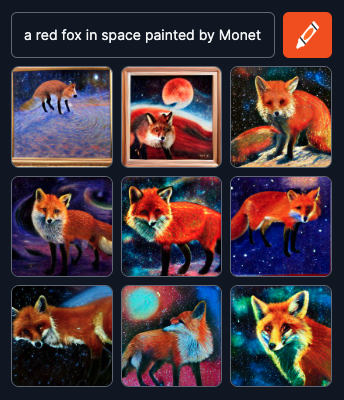
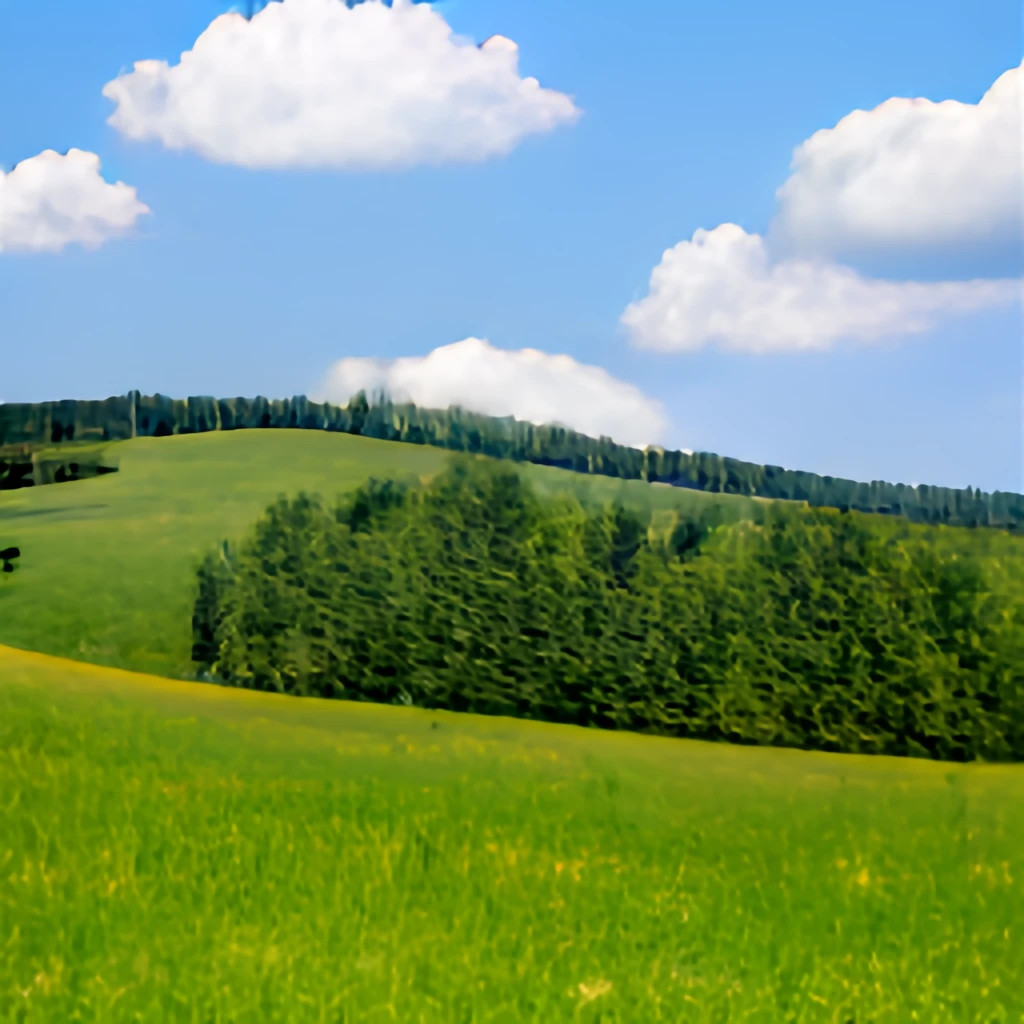
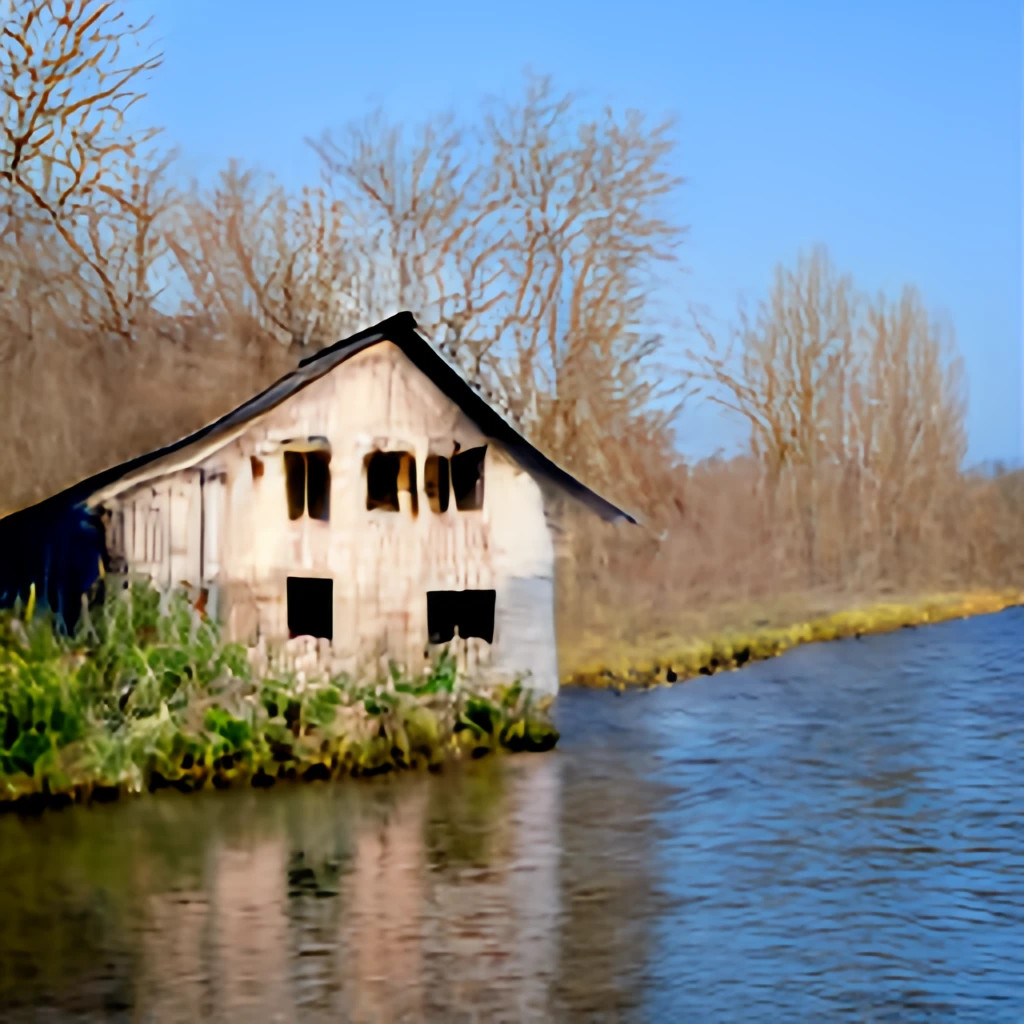
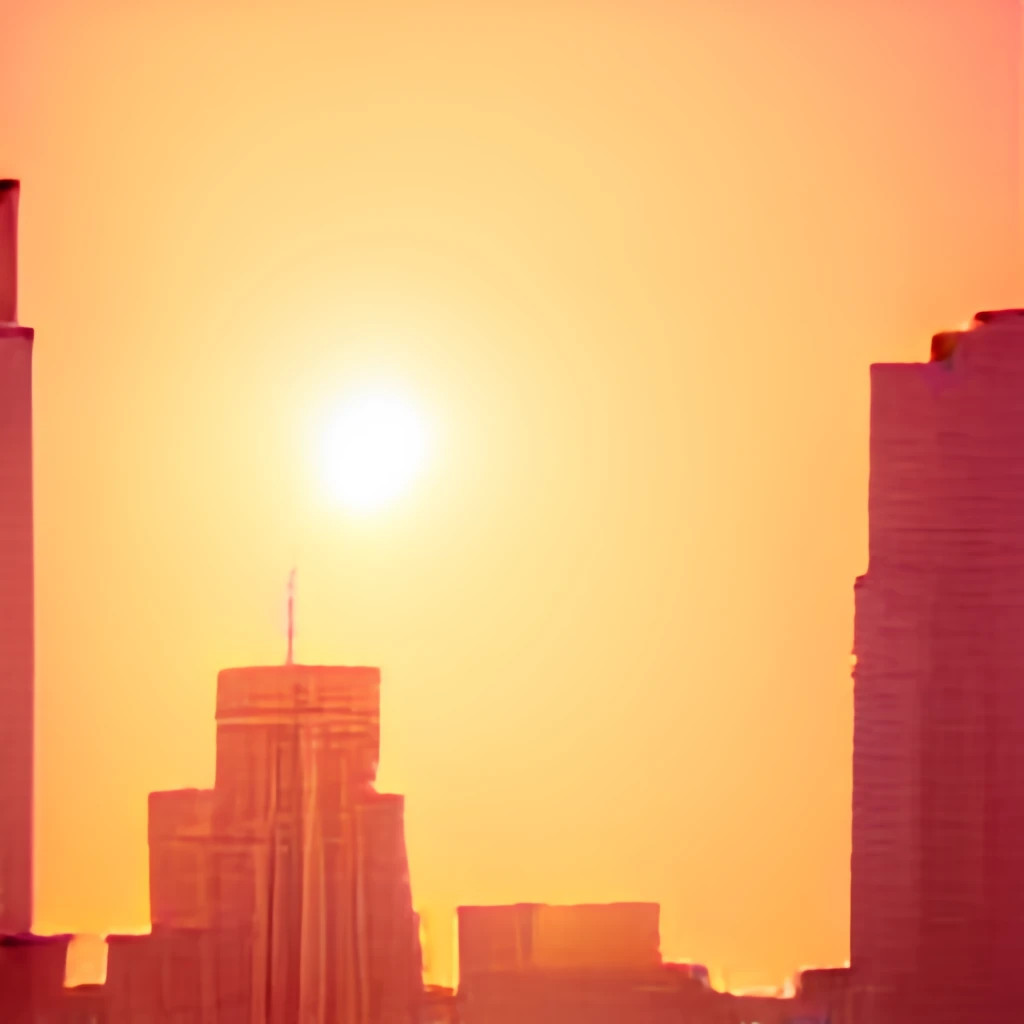
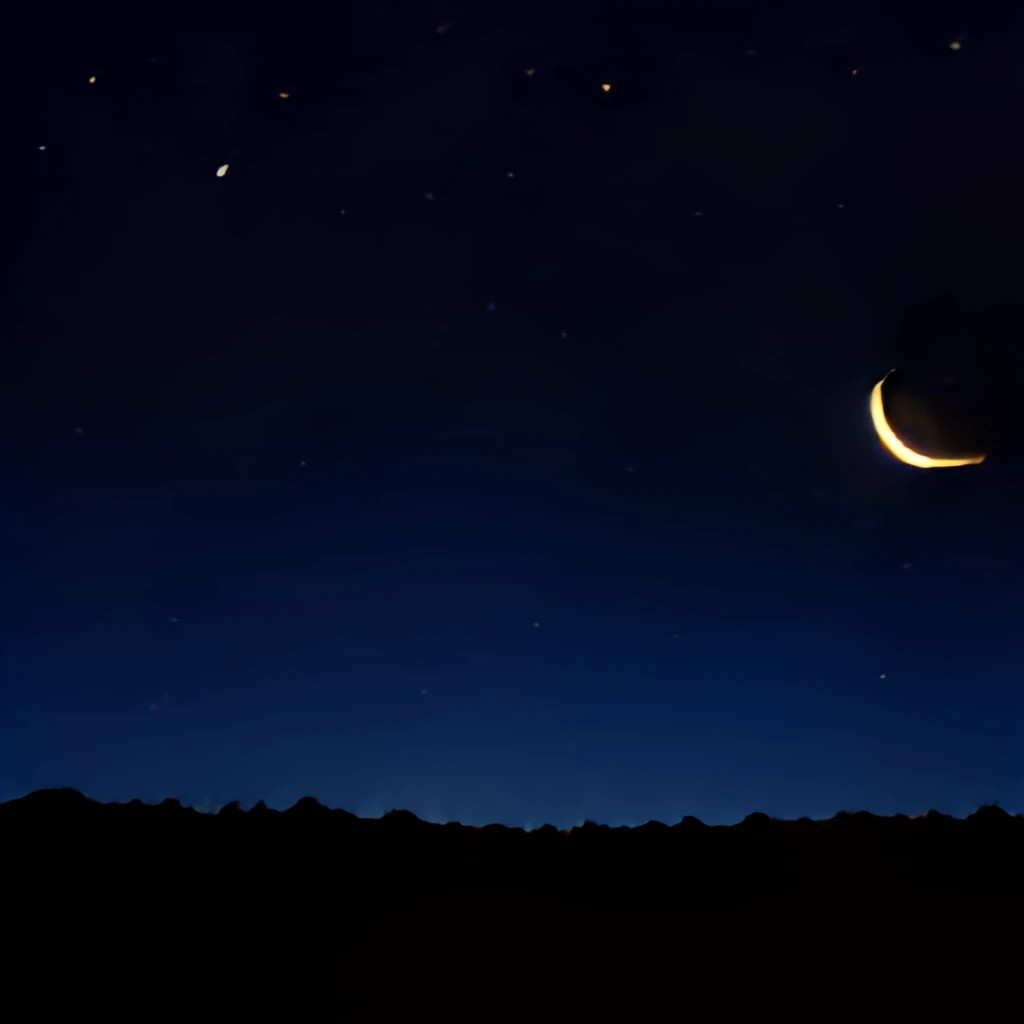
Neural networks capable of generating images from text prompts offer an easy way to create images of various kinds. No special graphics or image editing skills are necessary. The results might not always be ideal, but users can often choose a good result after several generation attempts.
Examples
Comparison
The main advantage is the permissive license, which makes this network open and free. It can also be run locally. The results might be less accurate than commercial networks due to the lower amount of maintenance and retraining.
Krita
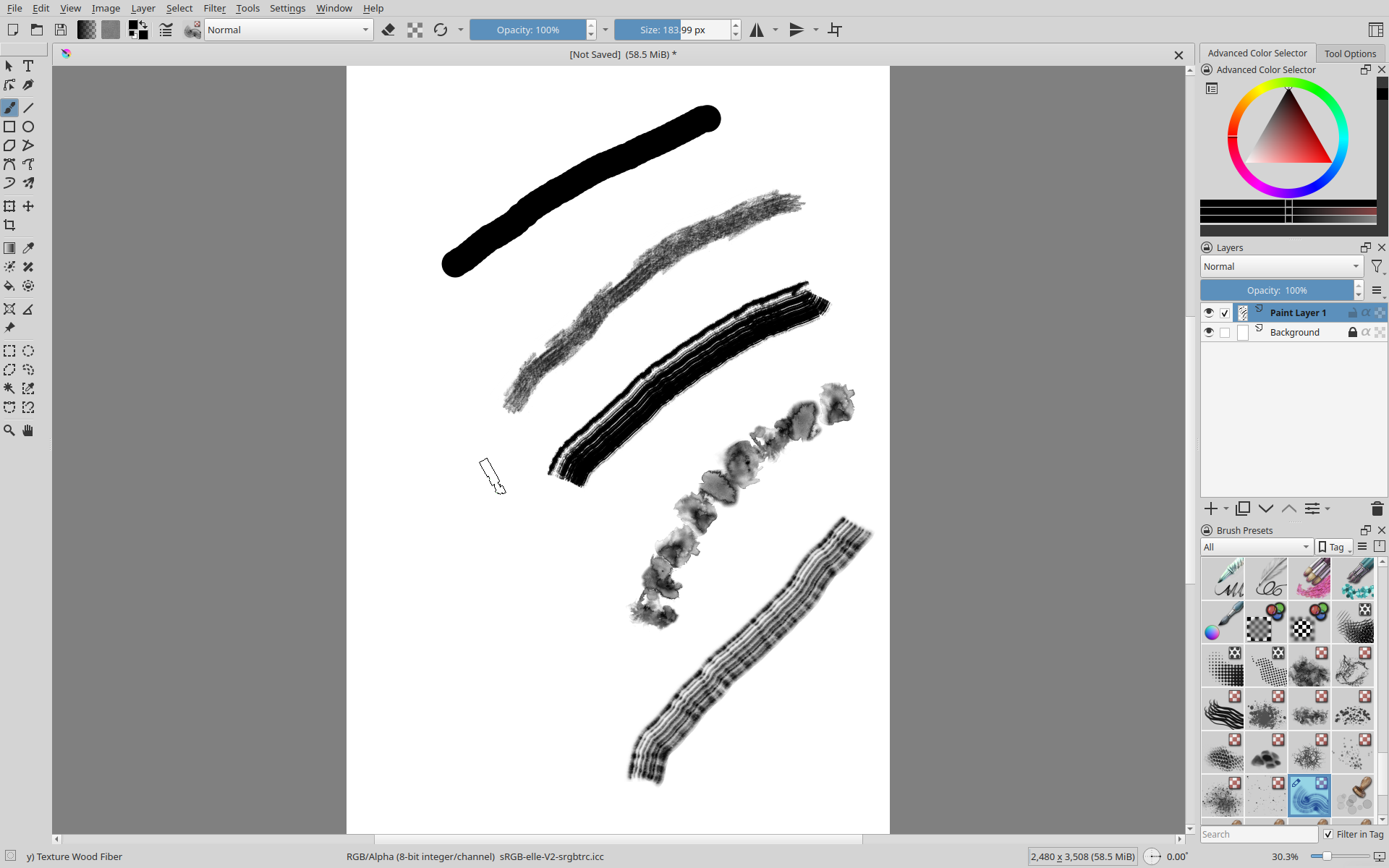
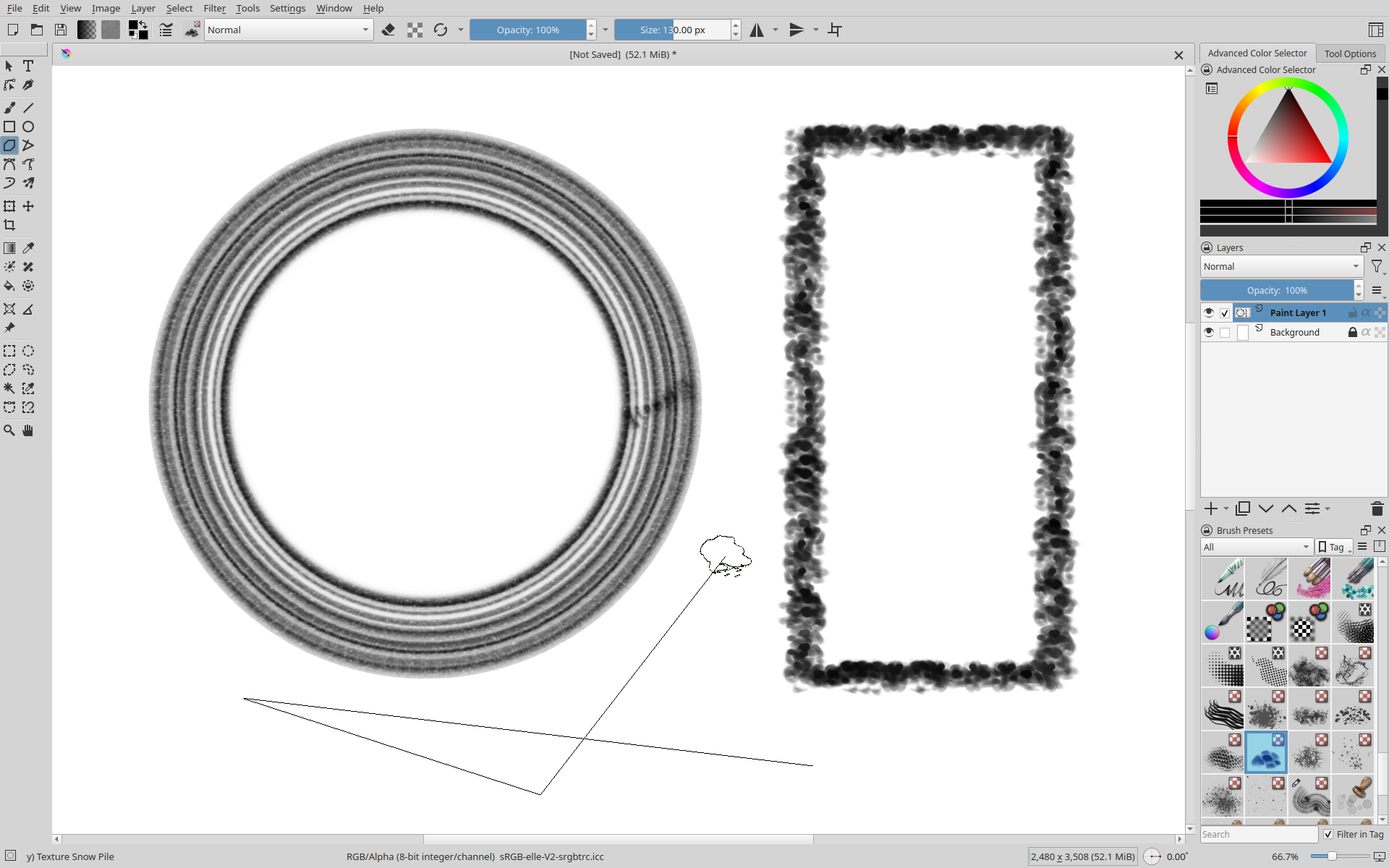
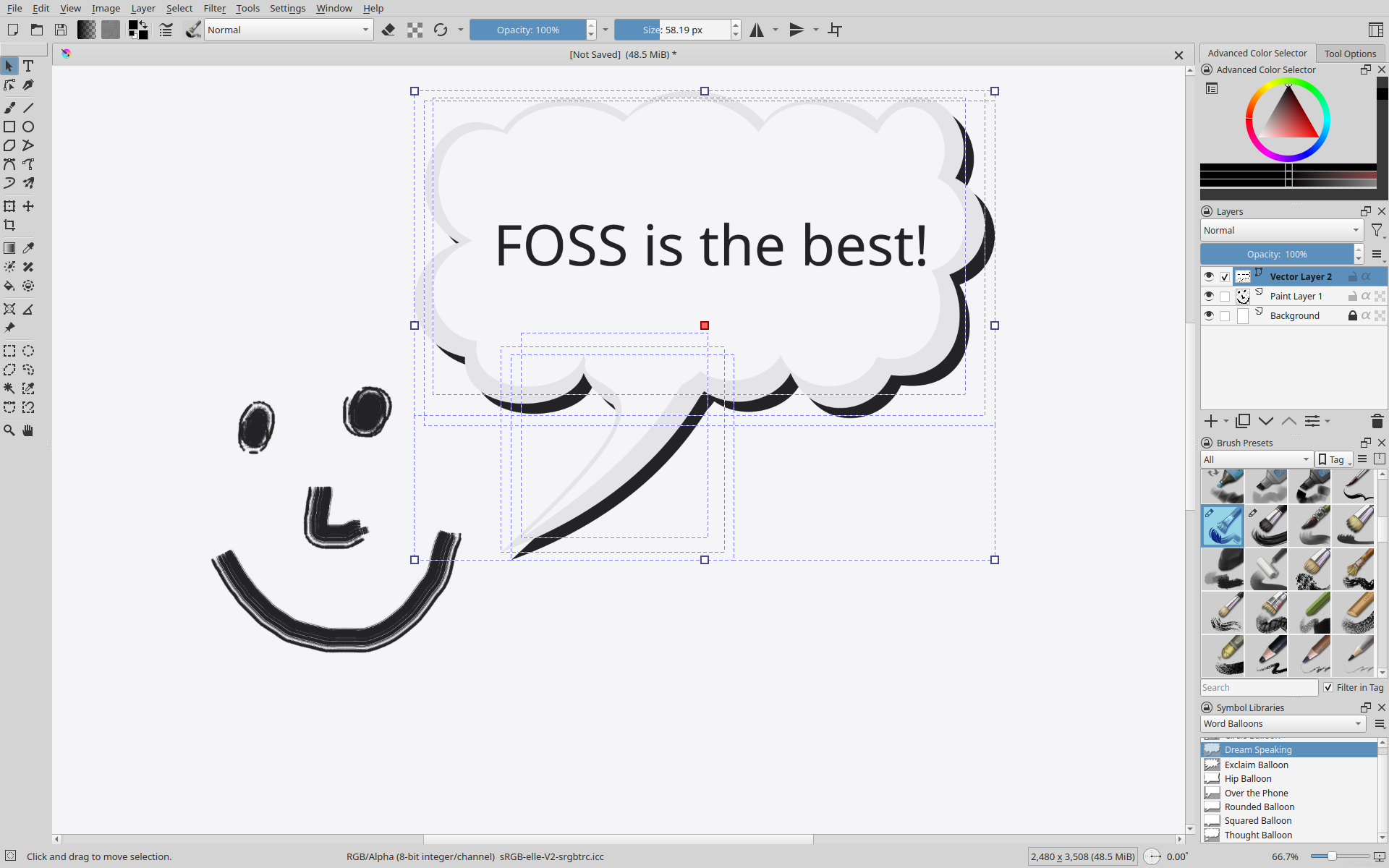
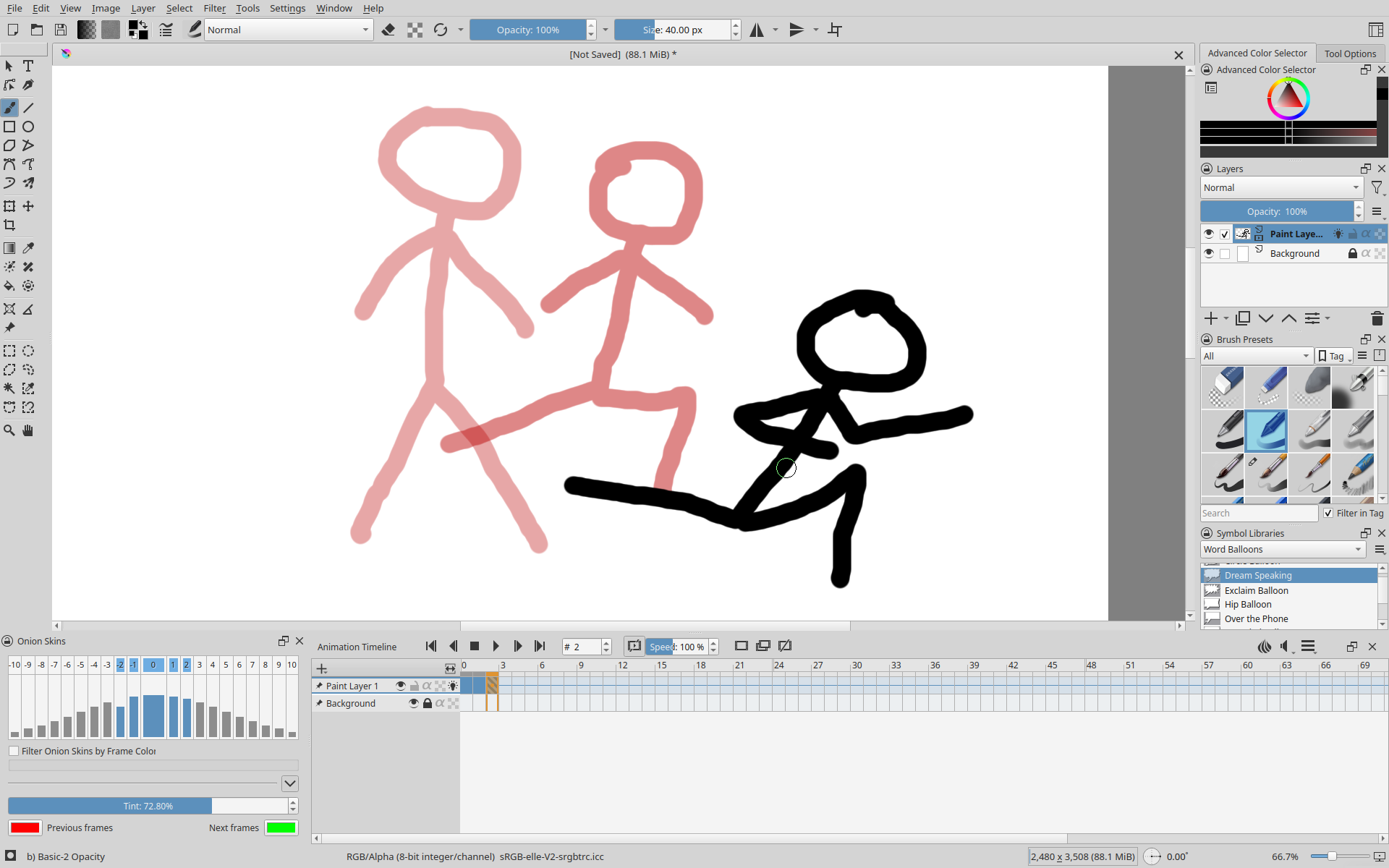
Krita is a graphics program specialized in artistic painting. Various types of brushes with stroke stabilization and support for input hardware such as graphic tablets make this tool suitable for artists. Additional tools like vector elements and text editors allow for quick enhancement of artwork. The editor also supports the production of animations with sound and export of finished videos. It can also be used as a standard image editor.
Examples
Comparison
Photoshop also supports animations and painting, but since these features are the main focus of Krita, it offers a more balanced and fine‑tuned workflow. FireAlpaca is a lightweight and free alternative to Krita, which might be easier to use but lacks customization options and features. Toon Boom Harmony or Moho Pro are professional tools used in many top animation projects. They offer many features and are more optimized than Krita. However, many authors do not need such advanced tools for their projects, and Krita remains a cost‑effective option. Software designed for tablets, such as Procreate, offers an optimized UI, but Krita can also be used on mobile devices. Clip Studio Paint or Adobe Fresco offer easy workflows with advanced editing tools, while Krita sometimes requires more experience to reproduce the same results, which, on the other hand, are more customizable.