PeerTube
Self-Hosted video sharing and streaming platform with federation possibility and mobile apps.
Description
PeerTube is a decentralized, open-source video hosting platform that allows users to host and share their own video content. It supports a federated network architecture, allowing independent instances to interconnect and communicate without reliance on a central server. PeerTube offers a scalable alternative to traditional, centralized big-tech video sharing services.

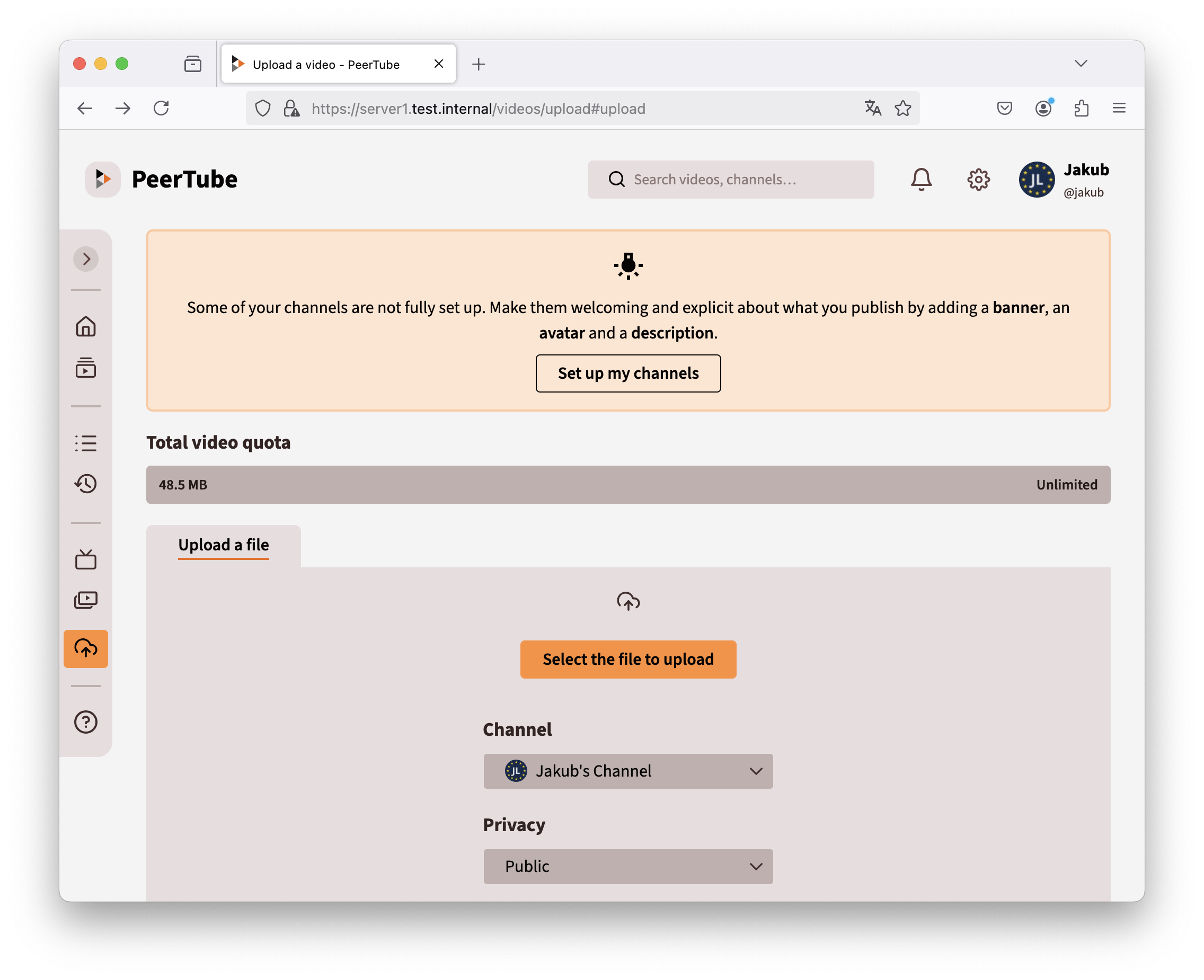
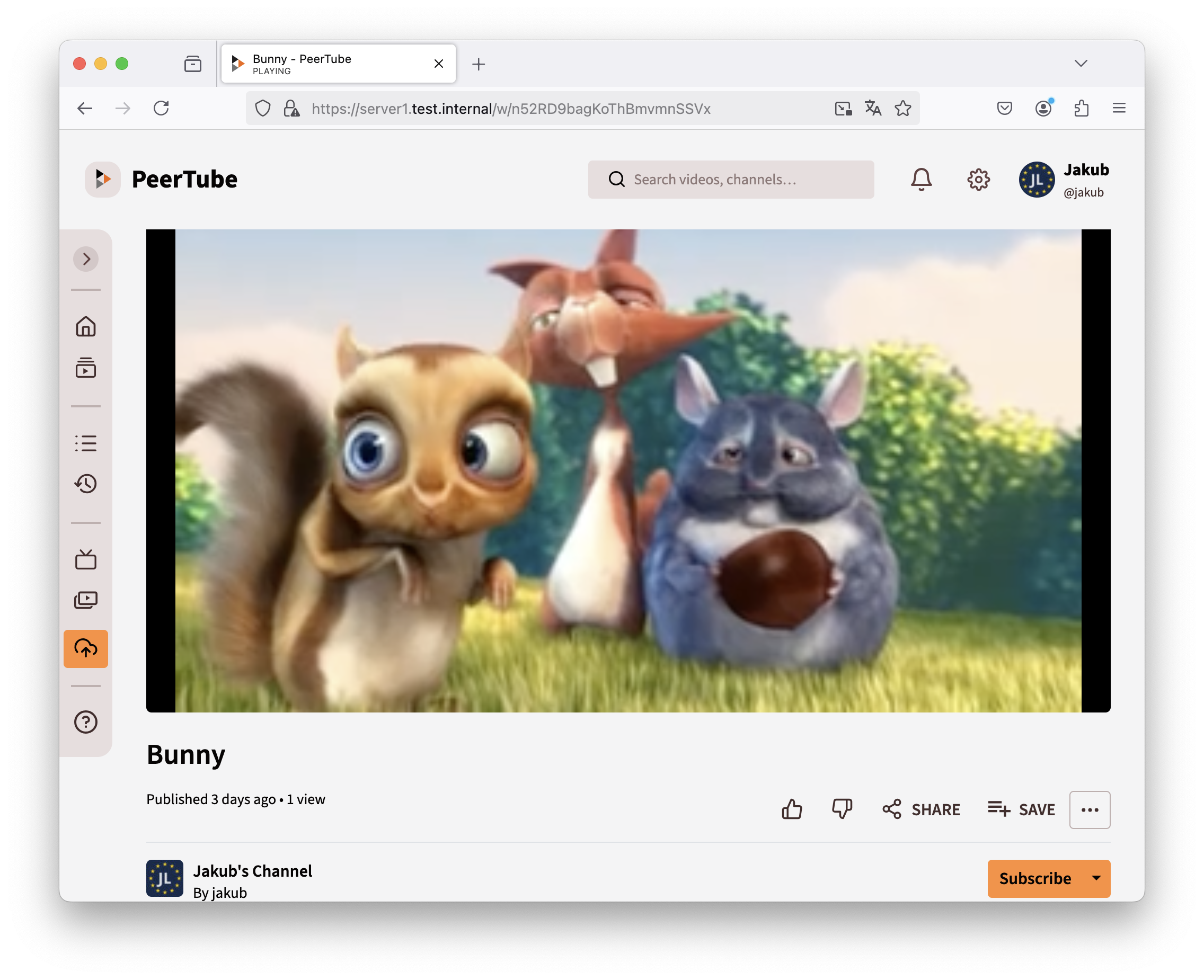
Comparison
Alternative to: YouTube, Twitch, Vimeo, (partially TikTok)
✅ Decentralized archiecture and storage
✅ No reliance on a central company
✅ Reducing censorship risks/Community-driven governance
✅ No restrictive nor opaque content policies
✅ No extensive data collection
✅ You own your data
✅ P2P between clients to lower bandwidth consumption
❌ Expertise required for setup and maintenance
❌ Limited audience reach for now
❌ Scalability can be challenging
❌ Lacks advanced analytics
Highlights
- Federation: ★★★★★
- The server acts as a home for users across the entire PeerTube network using the ActivityPub protocol.
- Federation can be completely disabled, making it function like a standalone YouTube instance.
- Admins can mirror videos from other instances if needed.
- P2P (Peer-to-Peer): ★★★★★
- Helps save bandwidth through peer-to-peer sharing.
- Can be disabled or set as opt-in at the server level.
- Developers warn that P2P may expose the IP addresses of viewers, which might not be suitable for sensitive content like political videos (recommended to disable in such cases).
- Video Playback: ★★★★★
- The implementation provides smooth video playback.
- Supports HLS (HTTP Live Streaming).
- Allows easy embedding with simple embed URL generation, similar to YouTube.
- Videos can be downloaded directly.
- Video Upload: ★★★★★
- Offers a smooth, AJAX-based upload process.
- Video details can be prepared while the upload is in progress.
- Installation: ★★★☆☆
- Not highly complex but relatively time-consuming.
- A comprehensive installation script could simplify the process, though it might reduce the admin's control and understanding.
- No major issues encountered; instructions are clear and require minimal adjustments to work effectively.
- Fortunately, upgrading the system seems to be significantly less complicated than the initial installation.
Compatibility
| Server OS Compatibility | Linux (e.g., Debian, Ubuntu, CentOS) |
|---|---|
| Client Compatibility | Modern web browsers (Chrome, Firefox, Safari, Edge); Android and iOS App |
| Programming Language | JavaScript (Node.js) |
| Database | PostgreSQL |
| Web Server | Nginx (recommended), supports reverse proxy configurations |
| Dependencies | Node.js, Yarn, Python (>=3.8), ffmpeg, Redis, certbot, Git |
| License | GNU AFFERO GENERAL PUBLIC LICENSE (free and open-source) |
| Federation Protocol | ActivityPub (for decentralized networking) |
| Configuration | Customizable via YAML configuration files |
| Community & Support | Active community; extensive documentation |
Installation and Practical Tips
Prerequisites
Begin with a fresh installation of Debian 12 (netinstall). First, install some essential packages:
apt -y install curl sudo unzip
Create a working directory for the PeerTube setup:
cd
mkdir peertube\_setup
cd peertube\_setup
Install NodeJS
Download and run the NodeJS setup script, then install NodeJS. Verify the installation with node -v:
curl -fsSL https://deb.nodesource.com/setup\_23.x -o nodesource\_setup.sh
bash ./nodesource\_setup.sh
apt -y install nodejs
node -v
Install Yarn
Install Yarn globally using npm and verify that it is installed with yarn --version:
npm install --global yarn
yarn --version
Install Python (>=3.8)
Install Python development packages and pip. Verify that the Python version is at least 3.8:
apt install python3-dev python3-pip python-is-python3
python --version
Install Additional Dependencies
Install the required dependencies for PeerTube. Verification commands are included where applicable:
apt install certbot nginx ffmpeg postgresql postgresql-contrib openssl g++ make redis-server git cron wget
ffmpeg -version
g++ -v
redis-server --version
Start PostgreSQL and Redis
Start and enable the PostgreSQL and Redis services:
systemctl start redis postgresql
systemctl enable redis-server postgresql
Install PeerTube
Create a dedicated user for PeerTube with no login shell. Then, set up the PostgreSQL database user and database, including the necessary extensions:
useradd -m -d /var/www/peertube -s /usr/sbin/nologin -p peertube peertube
passwd -l peertube
sudo -u postgres createuser -P peertube
Enter the password for the PeerTube database user when prompted.
sudo -u postgres createdb -O peertube -E UTF8 -T template0 peertube\_prod
sudo -u postgres psql -c "CREATE EXTENSION pg\_trgm;" peertube\_prod
sudo -u postgres psql -c "CREATE EXTENSION unaccent;" peertube\_prod
Switch to the PeerTube directory and create the required subdirectories with proper permissions:
cd /var/www/peertube
sudo -u peertube mkdir config storage versions
sudo -u peertube chmod 750 config/
Download and install the latest PeerTube version. The commands below are used exactly as provided:
cd /var/www/peertube/versions VERSION=$(curl -s https://api.github.com/repos/chocobozzz/peertube/releases/latest | grep tag\_name | cut -d '"' -f 4) && echo "Latest Peertube version is $VERSION"
sudo -u peertube wget "https://github.com/Chocobozzz/PeerTube/releases/download/${VERSION}/peertube-${VERSION}.zip"
sudo -u peertube unzip peertube-${VERSION}.zip && sudo -u peertube rm peertube-${VERSION}.zip
cd /var/www/peertube
sudo -u peertube ln -s versions/peertube-${VERSION} ./peertube-latest
cd ./peertube-latest && sudo -H -u peertube yarn install --production --pure-lockfile
cd /var/www/peertube
sudo -u peertube cp peertube-latest/config/default.yaml config/default.yaml
sudo -u peertube cp peertube-latest/config/production.yaml.example config/production.yaml
Generate a secret using:
openssl rand -hex 32
Edit the production configuration file. In it, set the hostname, adjust the database password (as configured above), and generate a secret with the command below. Insert the generated secret into the peertube: and secrets: section.
nano config/production.yaml
Configure the Web Server
Copy the provided Nginx configuration and modify it to suit your domain and local setup:
cp /var/www/peertube/peertube-latest/support/nginx/peertube /etc/nginx/sites-available/peertube
sed -i 's/${WEBSERVER\_HOST}//g' /etc/nginx/sites-available/peertube
sed -i 's/${PEERTUBE\_HOST}/127.0.0.1:9000/g' /etc/nginx/sites-available/peertube
ln -s /etc/nginx/sites-available/peertube /etc/nginx/sites-enabled/peertube
If you wish to use a self-signed certificate (for public domains, using certbot is recommended), run the following commands to create one, then update your Nginx configuration:
mkdir /etc/ssl/selfsigned
chmod 700 /etc/ssl/selfsigned
openssl req -x509 -nodes -days 365 -newkey rsa:2048 -keyout /etc/ssl/selfsigned/nginx-selfsigned.key -out /etc/ssl/selfsigned/nginx-selfsigned.crt
Update the Nginx configuration to use the self-signed certificates:
nano /etc/nginx/sites-enabled/peertube
Ensure the following directives are present in the configuration file:
ssl\_certificate /etc/ssl/selfsigned/nginx-selfsigned.crt;
ssl\_certificate\_key /etc/ssl/selfsigned/nginx-selfsigned.key;
Restart Nginx after making these changes:
systemctl restart nginx
Enable Autostart for PeerTube
Copy the systemd service file, review it if necessary, then enable and start the PeerTube service. Monitor the logs for any errors:
cp /var/www/peertube/peertube-latest/support/systemd/peertube.service /etc/systemd/system/
nano /etc/systemd/system/peertube.service
systemctl daemon-reload
systemctl enable peertube
systemctl start peertube
journalctl -feu peertube
If you encounter the error error: null value in column "nodeVersion" of relation "application" violates not-null constraint, ensure that Redis is running. If needed, drop the database and recreate the necessary extensions, then restart PeerTube. This deletes all PeerTube database, DO THIS ONLY IN A CASE OF A NEW PEERTUBE INSTALLATION!
sudo -u postgres dropdb peertube\_prod
sudo -u postgres psql -c "CREATE EXTENSION pg\_trgm;" peertube\_prod
sudo -u postgres psql -c "CREATE EXTENSION unaccent;" peertube\_prod
systemctl restart peertube
Set Administrator Password
Reset the password for the administrator account (username root) by running the following command from the PeerTube directory:
cd /var/www/peertube/peertube-latest && NODE\_CONFIG\_DIR=/var/www/peertube/config NODE\_ENV=production npm run reset-password -- -u root
Optimize TCP Performance (Optional)
For improved TCP performance, copy the provided sysctl configuration file and apply the settings:
cp /var/www/peertube/peertube-latest/support/sysctl.d/30-peertube-tcp.conf /etc/sysctl.d/
sysctl -p /etc/sysctl.d/30-peertube-tcp.conf
For additional details, please refer to the following resources:
Other Details
Developer: Chocobozzz, Framasoft, community