Garage
Garage is an open-source decentralized object storage system compatible with the S3 protocol, providing scalable, redundant and distributed storage.
Description
Garage is a decentralized and distributed object storage system that is fully compatible with the S3 protocol. It is designed for high availability, scalability, and resilience, making it suitable for self-hosted cloud storage solutions. By distributing data across multiple nodes, Garage ensures redundancy and fault tolerance, preventing data loss even in case of hardware or connection failures.
Comparison
Alternative to: Amazon AWS (backend); Google Drive (partially; backend); Microsoft SharePoint (partially; backend)
✅ Full control over your data
✅ No extensive data collection and mining (its easier to meet GDPR and other regulatory and/or your company requirements)
✅ Highly configurable
✅ Built to work on unreliable hardware operating on unreliable network connection
✅ Thanks to S3 API/protocol its very versatile and usable in many applications
❌ For a starter a higher initial complexity
Highlights
- Usage: ★★★★★
- Identical data blocks are automatically deduplicated to optimize storage usage.
- Users can configure automatic data redundancy to store copies across different locations whenever possible.
- Garage offers a familiar interface compatible with AWS S3, integration is thus very straightforward.
- Can be easily connected to other open-source servers as a backend for content storage. More details are available in the official documentation.
- Installation: ★★★★★
- Precompiled binaries are provided by the developers for easy installation.
- Both the server and administration tools are included in a single executable. Simply copying the binary to the system PATH completes the installation process.
- Users need to manually create a dedicated system user, set up storage directories, and configure systemd for service management.
Compatibility
| Server OS Compatibility | Linux 386 or amd64; Linux arm or arm64; Docker packages available |
|---|---|
| Client Compatibility | S3-compatible clients (e.g., awscli, s3fs, ...) |
| Programming Language | Rust |
| Database | SQLite (embedded) |
| Web Server | Built-in |
| Dependencies | None |
| License | GNU AFFERO GENERAL PUBLIC LICENSE (free and open-source) |
| Federation | Internal protocol (Garage-specific) |
| Configuration | YAML-based (file) |
| Community & Support | deuxfleurs.fr active community |
Installation and Practical Tips
Prerequisites
The installation is performed on a clean Debian 12 (netinstall) system.
Installation
Download and install the Garage binary:
wget "https://garagehq.deuxfleurs.fr/_releases/v1.0.1/x86_64-unknown-linux-musl/garage" -O /usr/local/bin/garage
chmod +x /usr/local/bin/garage
Create a dedicated system user, set permissions:
useradd -M -d /srv/garaged -r -s /usr/sbin/nologin -p garaged garaged
passwd -l garaged
mkdir /srv/garaged
chown garaged:garaged /srv/garaged
chmod 700 /srv/garaged
Create and configure the /etc/garage.toml file (replace 127.0.0.1 with your server's IP address):
cat > /etc/garage.toml < metadata_dir = "/srv/garaged/meta"
data_dir = "/srv/garaged/data"
db_engine = "sqlite"
replication_factor = 1
rpc_bind_addr = "0.0.0.0:3901"
rpc_public_addr = "127.0.0.1:3901"
rpc_secret = "$(openssl rand -hex 32)"
[s3_api]
s3_region = "garage"
api_bind_addr = "0.0.0.0:3900"
root_domain = ".s3.server1.test.internal"
[s3_web]
bind_addr = "0.0.0.0:3902"
root_domain = ".web.server1.test.internal"
index = "index.html"
[admin]
api_bind_addr = "0.0.0.0:3903"
admin_token = "$(openssl rand -base64 32)"
metrics_token = "$(openssl rand -base64 32)"
EOF
Create a systemd service file:
nano /etc/systemd/system/garage.service
Add the following content:
[Unit]
Description=Garage Data Store
After=network-online.target
Wants=network-online.target

[Service]
Environment='RUST_LOG=garage=info' 'RUST_BACKTRACE=1'
ExecStart=/usr/local/bin/garage server
User=garaged
Group=garaged
ProtectHome=true
NoNewPrivileges=true

[Install]
WantedBy=multi-user.target

Reload systemd, enable and start the service:
systemctl daemon-reload
systemctl enable garage
systemctl start garage
Basic Setup (One Server)
Show the status:
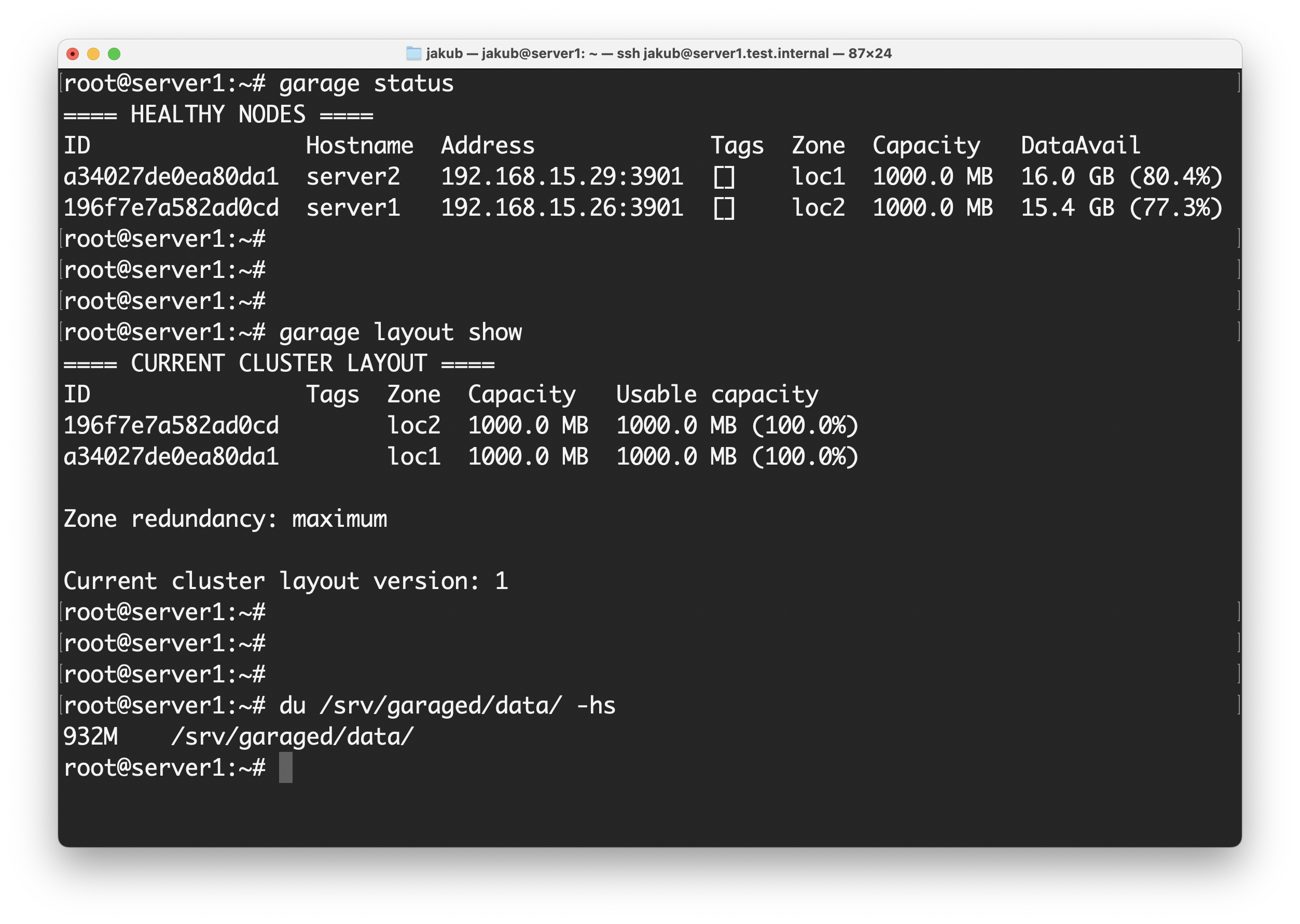
garage status
Initialize the cluster:
garage layout assign -z loc1 -c 1G <node_id_from_the_previous_command>
Show the current (not yet commited) layout:
garage layout show
Commit the layout version:
garage layout apply --version <layout_version_from_the_previous_command>
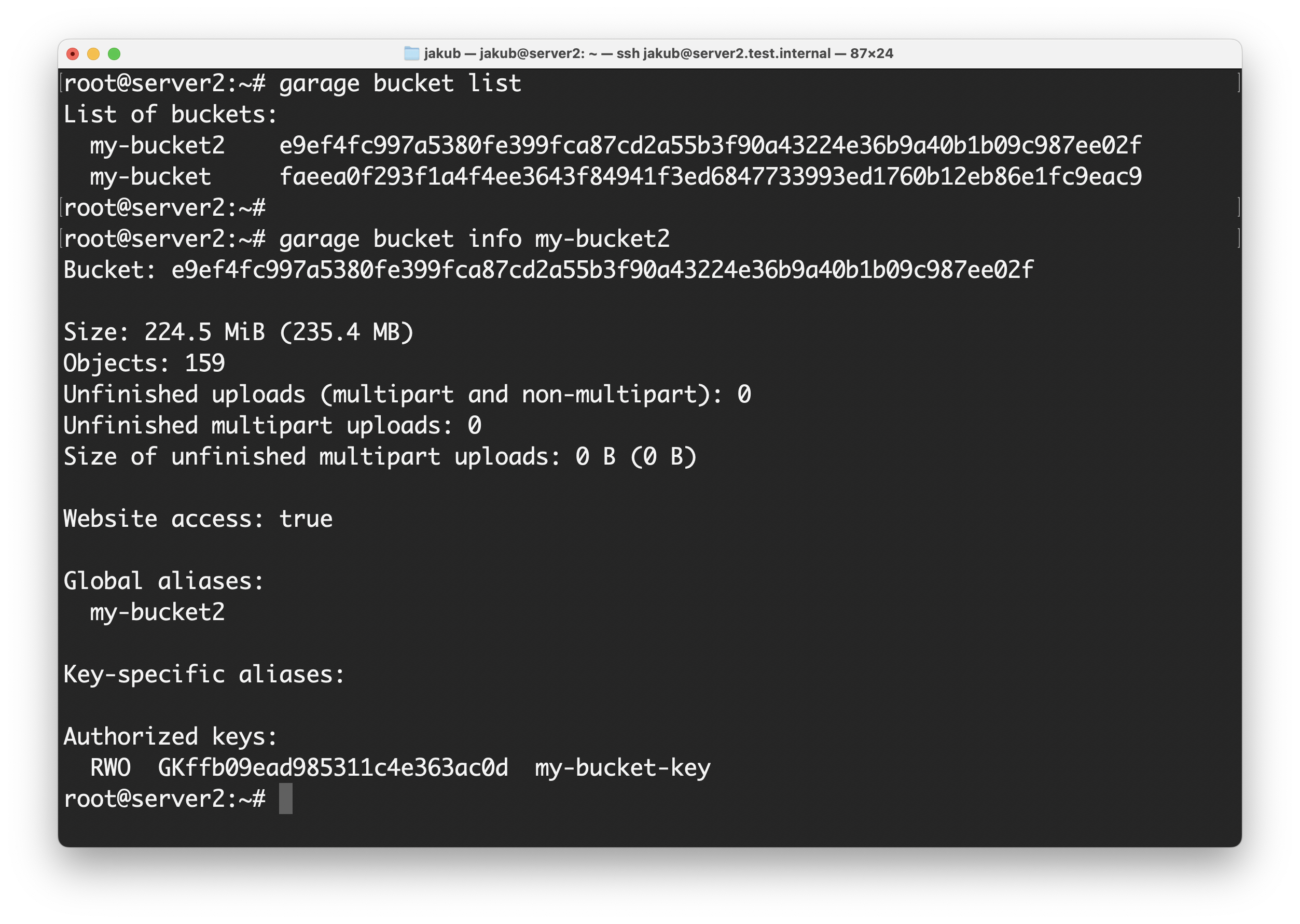
Create a bucket and access key (bucket is an analogy to "volume" for object-oriented storage systems):
garage bucket create my-bucket
garage key create my-bucket-key
garage bucket allow --read --write --owner my-bucket --key my-bucket-key
Check assigned keys:
garage bucket info my-bucket
View key ID and secret:
garage key info my-bucket-key --show-secret
Testing with AWS CLI Tool (Optional)
When testing Python libraries or tools, I always setup Python virtual environment (execute on your client):
python3 -m venv ~/.python_venv/awscli
source ~/.python_venv/awscli/bin/activate
python3 -m pip install awscli
Retrieve credentials (execute on your server):
garage key info my-bucket-key --show-secret
Create AWS CLI configuration file (execute on your client):
nano ~/.python_venv/awscli/awsrc
Add the following configuration (execute on your client):
export AWS_ACCESS_KEY_ID='<key_id>'
export AWS_SECRET_ACCESS_KEY='<secret>'
export AWS_DEFAULT_REGION='garage'
export AWS_ENDPOINT_URL='http://<server_address>:3900'
Activate AWS CLI settings (execute on your client):
source ~/.python_venv/awscli/awsrc
Basic AWS CLI operations (execute on your client):
List all your buckets:
aws s3 ls
List files in "my-bucket":
aws s3 ls s3://my-bucket
Copy a file to the bucket (this allows both "upload" and "download" based on the paths order):
aws s3 cp <local_file> s3://my-bucket/<dest_file>
Delete a file from the bucket:
aws s3 rm s3://my-bucket/<file_to_delete>
Sync a folder to the bucket:
aws s3 sync ./<local_folder> s3://my-bucket
More Advanced Setup (Multiple Servers)
Install another server, copying the rpc_secret to the /etc/garage.toml configuration file from the first server configuration file (the rpc_secret serves to authenticate server in the cloud).
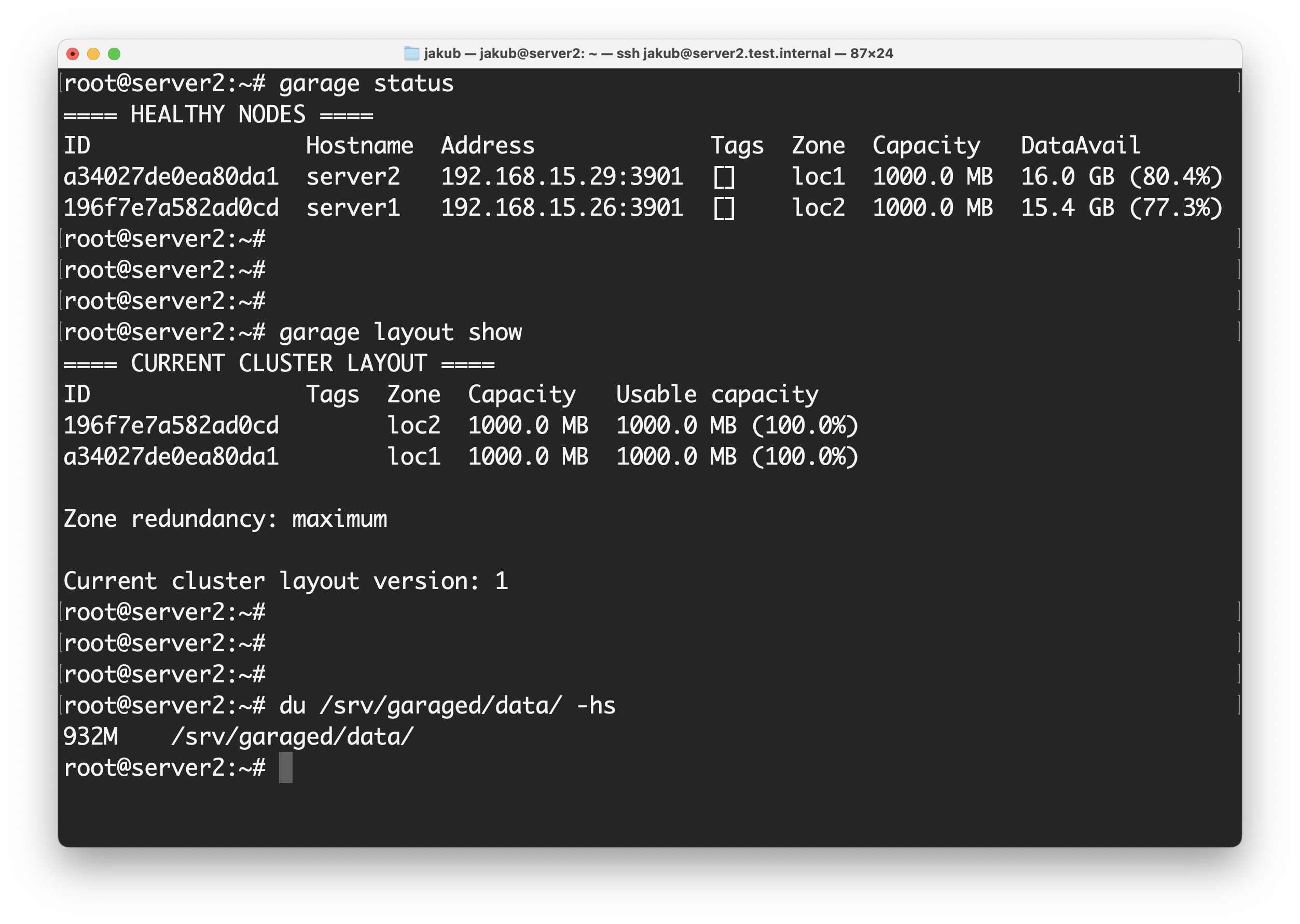
garage status
garage layout assign -z loc2 -c 1G <node_id_from_the_previous_command>
See the not-yet-commited layout version:
garage layout show
And commit it:
garage layout apply --version <layout_version_from_the_previous_command>
Get node ID from this new server:
garage node id
And connect this second server to the cluster (run the following command on one of the servers already connected to the cloud, for our case, this is the first server):
garage node connect <node_id_of_server_2>
Verify cluster nodes (can be run on any of the servers connected to the cloud; should list all the servers - two servers for our example):
garage status
Advanced Setup (Multiple Servers and Data Redundancy)
To enable redundancy (replication factor 2 for our 2 servers):
systemctl stop garage
rm /srv/garaged/meta/cluster_layout
Edit /etc/garage.toml:
nano /etc/garage.toml
Set:
replication_factor = 2
Restart Garage:
systemctl start garage
Apply changes and rebalance:
garage repair --yes rebalance
This will last depending on the amount of data to replicate; this procedure is not recommended for running instances; I am not responsible from losing your data, please consult the documentation for live installations!
References and Additional Info:
Other Details
Developer: deuxfleurs.fr, community